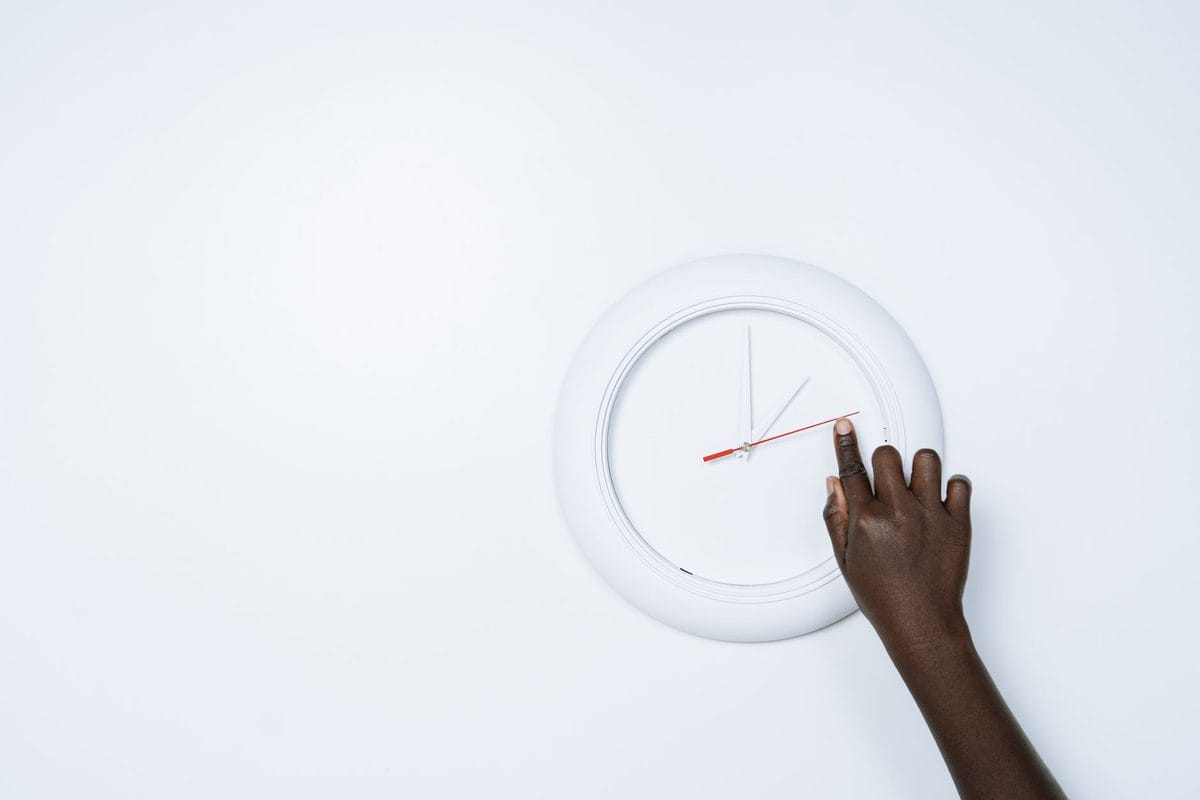
On the first Sunday of November your phone will say 8:00 a.m., the oven will say 9:00, the dashboard clock will say 9:07 and the kitchen wall clock will still be somewhere in the middle of last spring. Nobody is wrong, exactly; each of those devices is following its own rule for deciding what time it is, and only some of them know that the rules change on November 1. The fix takes about ten minutes if you know which gadgets handle it themselves and which ones are waiting for you to walk over and press a button.
What actually changes at 2 a.m. on November 1
Under current federal law, daylight saving time ends at 2 a.m. local time on the first Sunday of November, and in 2026 that is November 1. At 2 a.m. the clock becomes 1 a.m., and that hour happens twice, so the day has 25 hours instead of 24. NIST, which publishes the official rules, notes that daylight saving time now covers about 65 percent of the year, 238 days, after the 2007 rule change that lengthened it by roughly a month. This year it began on March 8 and ends on the first of November. Sunset moves about an hour earlier on the clock: the Detroit News points out that sunset in Detroit will be around 5:25 p.m. on the day of the change, which is the first time many people notice that the evening is gone before they leave the office. In other words, the change itself is a matter of law and the calendar, and your gadgets differ only in how they find out about it.
Not everyone changes. Hawaii and most of Arizona stay on standard time all year, and so do American Samoa, Guam, the Northern Mariana Islands, Puerto Rico and the U.S. Virgin Islands. The Navajo Nation, inside Arizona, does observe daylight saving time, which surprises people who assume the whole state is the same.
Devices that fix themselves, and why
Smartphones, laptops, tablets, smart TVs and most game consoles get the time from the internet and then apply your time zone's rules, including the daylight saving switch. The important detail, which NIST spells out, is that the network time signal itself contains no information about daylight saving; your operating system adds that on top using its own rules. That is why a device with a very old operating system can end up an hour off even though it is connected, and why the first thing to check on anything that has not been updated in years is the "set automatically" toggle and the latest software update. If a phone shows the right time, the watch paired with it will normally follow, and so will the fitness band that syncs with the same app. Smart speakers, streaming boxes, e-readers and most connected thermostats follow the same logic as long as they can reach the internet. A spare tablet that has spent the autumn in a drawer without wifi will show the old time until it reconnects, which is worth remembering before you decide it is broken.
Radio-controlled clocks are the other self-correcting group. A clock that listens to the WWVB signal broadcast by NIST gets a flag telling it whether daylight saving is in effect and switches on the day. The exception is the one NIST warns about: if you live in Arizona or Hawaii, you have to turn off the automatic daylight saving function on that kind of clock, or it will move an hour in the wrong direction.
Devices that wait for you
- The oven and microwave, nearly always, because they have a clock but no network.
- Your car's dashboard clock; some models update from GPS or from a paired phone, many do not, and the quickest test is to look at it on Sunday morning.
- Analog wall clocks, wristwatches and the old alarm clock on a nightstand.
- Plug-in mechanical timers, the kind with the rotating dial, which will run the lamp an hour off until you turn the dial.
- Sprinkler controllers and aquarium or pet-feeder timers that do not connect to the internet.
- Older programmable thermostats without wifi, which will heat the house on the old schedule.
For the car, open the owner's manual or the settings menu and look for a GPS or phone-sync option for the clock. If there is one, turn it on once and you will not have to repeat this chore in March; if there is not, set it by hand on Sunday morning and accept that you will do it again in spring.
The rule of thumb is blunt: if it connects to wifi and has an app, it probably fixes itself; if it only has buttons, it does not. And there is a middle group, the "self-setting" clocks that carry their own internal calendar, where the answer is to check them against a phone in the days after the change rather than to trust them.
The sneaky ones: schedules and timestamps
The trouble with the repeated hour is not the clock on your wall, it is anything that runs on a schedule between 1 a.m. and 2 a.m. on that Sunday. A smart-home routine set for 1:30 a.m. can run twice, once before the change and once after, and a backup job scheduled in that window can start twice or be skipped by the system's own rules, depending on how the device handles the duplicated hour. The safest approach is to look at the schedule screen in each app on Saturday evening and ask whether anything in it is set for that window. For a lamp that turns on and off, that is harmless. For an automation that unlocks a door, opens a garage or irrigates a lawn, move it to 3 a.m. or later for one night, and put it back on Monday.
Security cameras and network video recorders deserve a separate check. If the device does not follow daylight saving automatically, every recording from November 1 onward is stamped an hour off from the real time, which is the last thing you want when you need to show a delivery company or the police a clip. Open the camera app, find the time zone and the network time setting, and confirm both. If you use a digital video recorder without internet, set its clock by hand and write the date on a sticky note on the box, so that the next person knows when it was last done.
Are we finished with this?
Not yet. The U.S. House voted 308 to 117 in July to approve the Sunshine Protection Act, which would make daylight saving time permanent across most of the country, but the Senate has not approved it, so the existing federal schedule stays in place. That means clocks fall back on November 1 and spring forward again on the second Sunday of March, which in 2027 is March 14. Even if the Senate acts later, the law would take effect only after it is signed, and it would not change anything this weekend.
A ten-minute checklist for Saturday night
- Before bed, change the clocks you can reach: oven, microwave, wall clocks and mechanical timers.
- Check that "set time automatically" is on for the phone, the laptop and the TV, and install any pending update.
- Move any critical automation out of the 1 a.m. to 2 a.m. window for one night.
- On Sunday morning, check the car, the camera app and the thermostat before you head out.
Do the car first. It is the one clock you will be looking at for the next five months.