Everyone agrees you should back up your important files, photos, documents, and the memories you can't recreate. The argument is over how: an external hard drive you control, or cloud storage that lives online. The honest answer is that the two protect against different disasters, and the best plan uses both.
What an external drive gives you
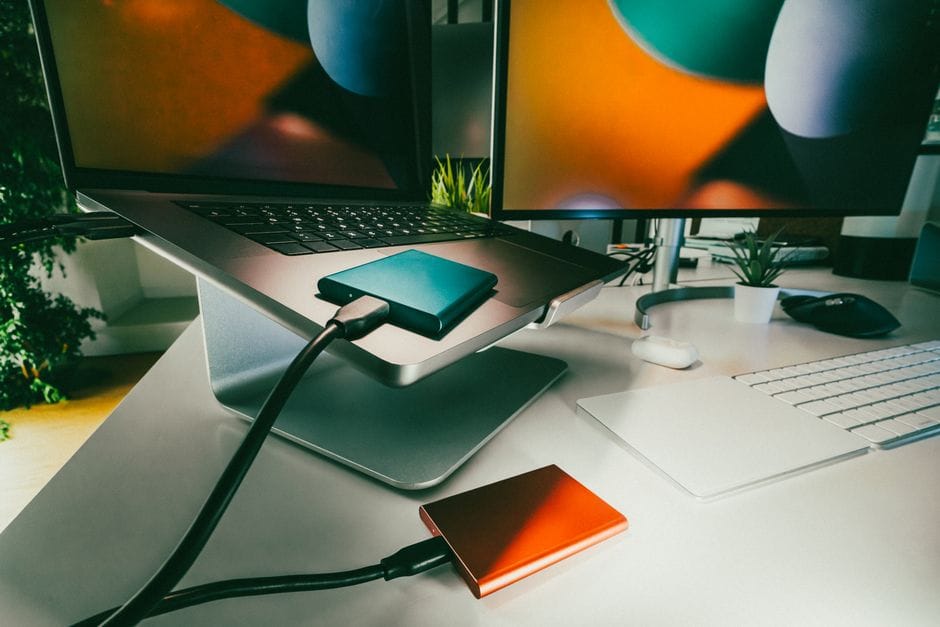
An external drive is a one-time purchase that holds a full copy of your files right there in your home. It's fast, it has no monthly fee, and you're not dependent on an internet connection or a company staying in business.
- Quick to back up and restore large amounts of data.
- No recurring cost after you buy it.
- You physically control where your data is.
What the cloud gives you
Cloud backup copies your files to servers elsewhere, automatically and continuously. Its great strength is surviving disasters that destroy everything in your home.
- Protected against fire, flood, or theft that would take an external drive too.
- Automatic and hands-off once set up.
- Accessible from anywhere, on any device.
Why one alone isn't enough
An external drive sitting next to your computer is useless if a fire or burglar takes both. Cloud storage protects against that, but it costs an ongoing fee and depends on your internet and the provider. Each covers the other's weakness, which is exactly why using both is the gold standard.
A simple two-part plan
Keep an external drive for quick, free, full backups you can restore from fast. Add automatic cloud backup for the irreplaceable files, especially photos, so a household disaster never wipes them out. The popular rule of thumb is to keep multiple copies, in more than one place.
The takeaway
Don't think of it as drive versus cloud. An external drive handles everyday backups cheaply and quickly; the cloud guards against losing everything at once. Together, they make your data genuinely safe.