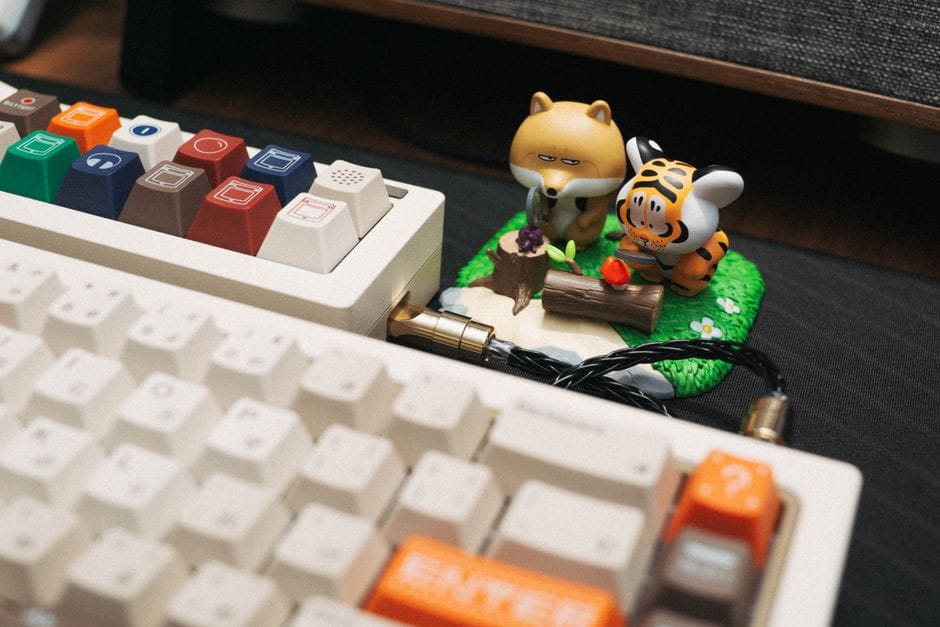
Keyboards are disgusting. They collect crumbs, dust, hair, and the grime of every snack you've eaten at your desk. Beyond being gross, a dirty keyboard can develop sticky or unresponsive keys. The good news is that cleaning one properly is easy, and doing it carefully avoids the mistakes that damage keys.
Start with the basics, safely
First, the golden rule: power down or unplug the keyboard before you clean it, and never let liquid pool on it. With that covered, here's the routine for a regular cleanup.
- Turn the keyboard upside down and gently shake or tap out the loose crumbs.
- Use a can of compressed air to blast debris out from between the keys.
- Wipe the keys with a slightly damp cloth, lightly moistened, never dripping.
- Dry everything before plugging it back in.
For a deeper clean
If keys are sticky or genuinely grimy, you can go further. On many keyboards the keycaps pull off, letting you clean underneath where the worst gunk hides. Take a photo first so you know where each key goes, pop them off gently with a tool or your fingers, wash them separately, and let them dry completely before reattaching.
What not to do
Don't spray cleaner directly onto the keyboard, don't use harsh solvents that can strip the lettering off keys, and don't put a keyboard or its electronics under running water. For laptops especially, be gentle, since the keys and the computer underneath are one unit, and liquid getting inside can cause real damage.
Keeping it cleaner longer
Wash your hands before long sessions, keep food away from the desk when you can, and give it a quick air-blast every week or two. A little maintenance prevents the deep grime from ever building up.
The takeaway
Cleaning a keyboard is simple: shake out crumbs, blast with air, wipe with a barely damp cloth, and pull keycaps for a deep clean if needed. Just keep liquid under control and skip harsh chemicals, and your keyboard will stay clean and responsive.