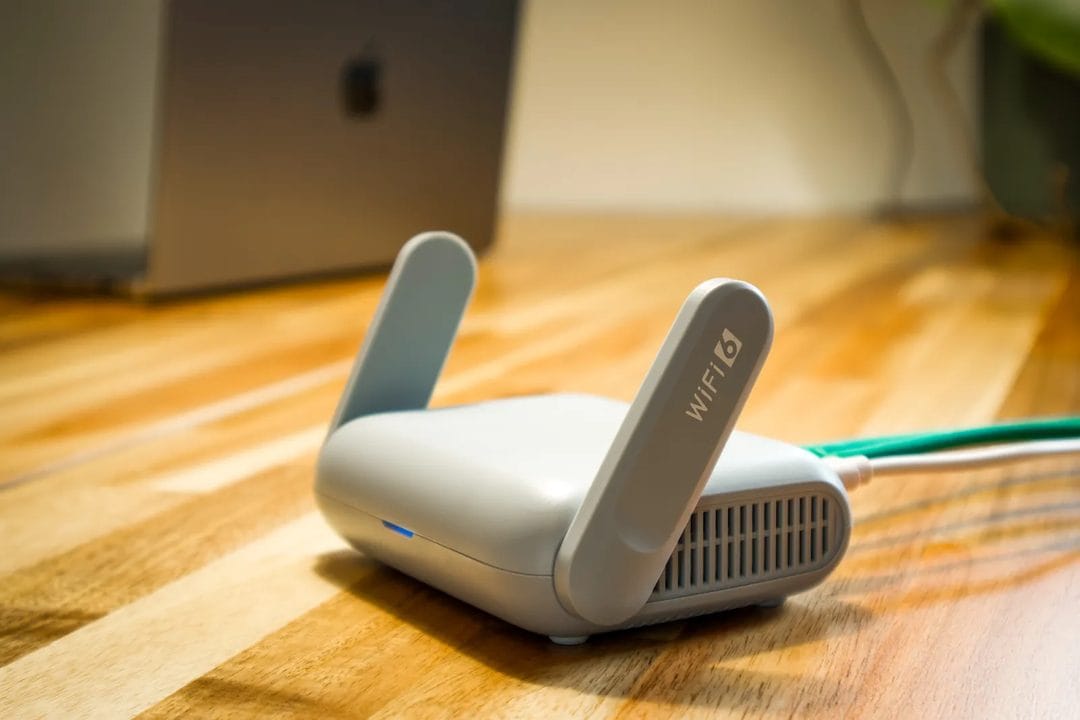
The router in the closet that's quietly ruining your Wi-Fi
Most people's Wi-Fi problems have nothing to do with their internet plan and everything to do with a single box sitting on a shelf, in a closet, or behind the TV, trying to blanket a 2,200-square-foot house with one radio. A single router, even a good one, loses roughly half its signal strength every time it passes through a wall, a floor, or a stretch of ductwork. By the time that signal reaches the back bedroom or the basement office, you're left with two bars and a video call that freezes every time someone microwaves popcorn downstairs. Mesh systems fix this by splitting the job across multiple small units — a main node plugged into your modem and one or two satellites scattered around the house, all talking to each other and handing your phone off between them as you walk from room to room.
That handoff is the actual innovation, and it's worth understanding because it explains why mesh costs more than just buying a second router. A traditional range extender creates a second network name (or repeats the same one badly), and your phone has to manually reconnect when you move between zones — which is exactly the stutter you feel during a call. A real mesh system, like TP-Link's Deco or Amazon's eero, uses a dedicated backhaul channel to keep the nodes talking to each other without eating into the bandwidth your devices actually use, and it hands your phone off invisibly, the same way your cell carrier hands you between towers on a drive.
When mesh is genuinely worth the money
If your home is over 1,800 square feet, has more than one floor, or has a layout with plaster walls, brick, or a lot of metal ductwork, a single router — no matter how expensive — is fighting a losing battle. Eero Pro 6E three-pack runs about $479 at Amazon and covers up to 6,000 square feet; the TP-Link Deco XE75 two-pack, around $230, covers about 5,800 square feet and adds Wi-Fi 6E's 6GHz band, which matters if you've got more than fifteen connected devices fighting over air time. Google's Nest Wifi Pro sits in the same range at roughly $280 for a two-pack and integrates cleanly if you already run Google Home for lights and thermostats.
Multi-story townhouses are the clearest case. A router on the ground floor has to punch through a floor and often a stairwell to reach the second level, and that's before you add the garage or a finished basement into the mix. Two or three mesh nodes, one per floor, solve this in a way that no single router placement ever will — you're not fighting physics, you're routing around it.
But a lot of people buying mesh systems don't need one.
If you live in a one-bedroom apartment, a small ranch house under 1,500 square feet, or a single-floor condo, a modern Wi-Fi 6 router by itself — something like the Asus RT-AX86U at around $230 — will cover the whole space without help. Buying a three-node mesh kit for 900 square feet is like buying a delivery van to pick up groceries: it works, but you're paying for capacity you'll never use, and in dense apartment buildings with dozens of overlapping networks, extra nodes can occasionally add more channel congestion than they solve.
What actually determines whether it's worth it
- Square footage over 1,800 and more than one floor — mesh wins clearly
- Fifteen or more connected devices (smart bulbs, cameras, thermostats, three phones, two laptops) — mesh with dedicated backhaul handles the load better than a single router
- Thick interior walls (plaster, brick, concrete) even in a smaller footprint — worth testing with a single extender node before committing to a full three-pack
- A single-floor home under 1,500 square feet with normal drywall — skip it, a good standalone router is enough, and that's really the honest answer even though it doesn't sell more hardware
Setting it up without redoing your whole network
Node placement matters more than the brand you pick. Put the main unit near your modem, obviously, but place the first satellite roughly halfway between the main unit and the room with the weakest signal today — not at the far edge of the house, where it'll struggle to talk back to the main node at all. Most 2026-era systems, including Deco and eero, walk you through signal strength during setup with a simple color-coded meter in the app, and it's worth actually watching that number instead of guessing based on how the house "feels."
One thing installers rarely mention: leave your old router's Wi-Fi disabled entirely once mesh is running, even if it's tempting to keep it as backup. Two active networks in the same house, even on different channels, create interference that undoes a chunk of the coverage gain you just paid for. Put the old router in bridge mode or unplug its radio completely, and let the mesh system handle DHCP and routing on its own.
The unglamorous part: firmware and security
Mesh systems from major brands push automatic firmware updates, which sounds like a minor feature until you remember that most home network breaches trace back to routers running years-old firmware with known vulnerabilities. Eero and Google both auto-update silently in the background; TP-Link requires a manual tap to approve updates on Deco, which is a small but real point against it if you're the type of household where nobody checks the app for months at a time.
Set up a guest network for visitors and smart-home devices separately from your main one — most mesh apps make this a two-tap process now, and it keeps a compromised smart plug from having a direct line to your laptop. That's the kind of five-minute setup step that actually prevents the headaches people blame on "bad Wi-Fi" a year later, when the real problem was never signal strength at all.