The fastest way to wreck a phone in July isn't dropping it on the sidewalk. It's leaving it on the dashboard while you run into the grocery store for ten minutes. A car interior in direct sun can hit 140°F within half an hour, and lithium-ion batteries start degrading permanently above roughly 95°F. Most people never connect the dots between a hot summer and a phone that suddenly can't hold a charge by Labor Day, but the link is real and it's avoidable.
Why heat does more damage than cold
Your devices tolerate cold far better than heat. A cold battery temporarily loses range and bounces back once it warms up. Heat is different: it triggers chemical reactions inside the cell that don't reverse. Every stretch above 95°F shaves a little permanent capacity off the battery, and those losses stack across a summer.
Phones and tablets have a thermal cutoff that throttles performance or shuts the device down entirely when the internal sensor crosses a threshold, usually around 113°F. You've probably seen the "iPhone needs to cool down" screen at the beach. That's the device protecting itself, and it's a warning worth taking seriously rather than working around. If your phone keeps hitting that wall, it's already running hotter than it should, and the damage to the battery is happening whether or not you see the message.
The everyday situations that overheat your stuff
It's rarely one dramatic event. It's the accumulation of ordinary summer moments that each push your gear past its comfort zone:
- Leaving a phone, tablet, or power bank in a parked car, which is by far the worst offender.
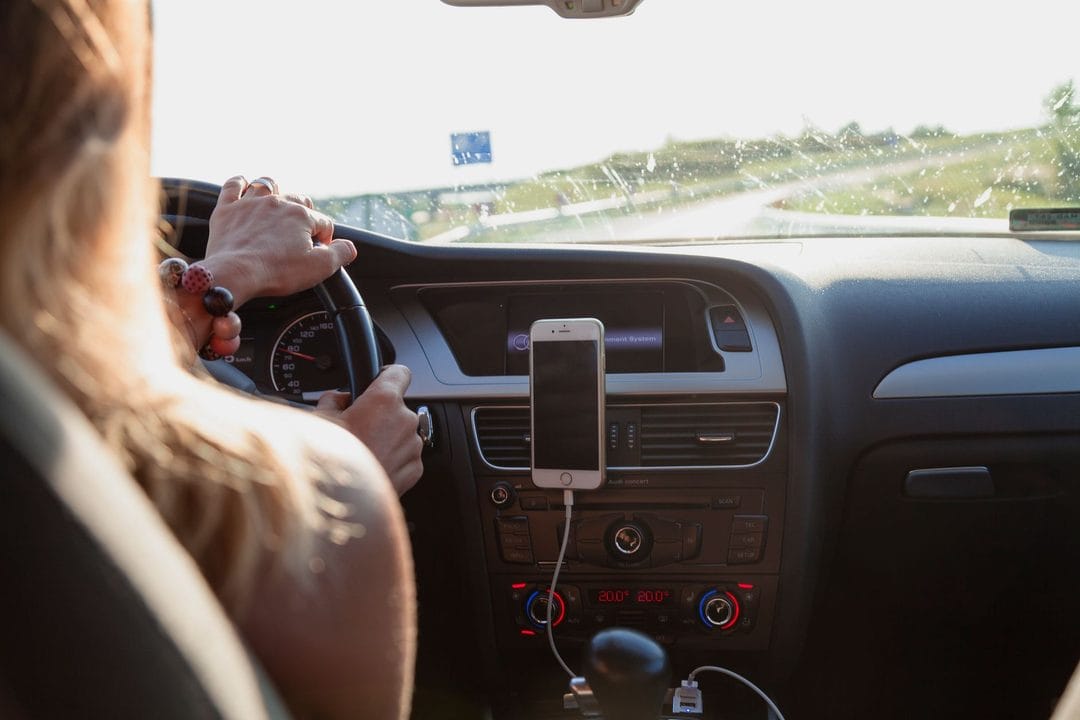
- Gaming or navigating with the phone in a windshield mount, in direct sun, with the charger plugged in. Charging generates heat, and so does the sun, and so does the chipset under load. Stack all three and you're cooking the battery.
- Charging a laptop on a bed, couch, or thick carpet, where the vents get smothered and the fans can't pull air, among other slow killers.
That last one catches a lot of people. A laptop dumps heat through vents on the bottom and sides, and soft surfaces block them completely. Use a hard surface or a cheap stand. A $15 mesh laptop riser does more for your machine's lifespan than most of the cooling gadgets sold for three times the price.
What about the dreaded swollen battery?
If the back of your phone is bulging, the trackpad on your laptop won't click flat, or a battery pack feels puffy, stop using it now. A swollen lithium-ion battery is a fire risk, not a maybe-later repair. Don't puncture it, don't charge it, and get it to a recycling drop-off or repair shop. Heat is the most common cause, which is exactly why summer is when these show up.
Simple habits that actually protect your devices
You don't need special equipment, just better instincts about where you put things. Keep gear out of direct sun and out of hot cars. If you're at the pool or the beach, stash your phone in a bag in the shade rather than face-up on a towel. When a device feels hot, let it cool naturally in the shade before you charge it. Never throw an overheated phone in the fridge or freezer, which sounds clever but causes condensation inside the device, and water damage is worse than a warm battery.
For the car specifically, the glove box is dramatically cooler than the dashboard or a seat in the sun. Better yet, take the device with you. Power banks deserve the same respect, since they pack the same chemistry as your phone and live in bags that bake in trunks all summer.
When the damage is already done
If your phone's battery health has dropped below 80% after a hot summer, a replacement battery runs roughly $70 to $90 at Apple or a reputable independent shop, and it'll make a two- or three-year-old phone feel new again. That's a far smarter move than a $1,000 upgrade for a device that's otherwise fine. Check your battery health in Settings first, see how bad it actually is, then decide. Heat may have stolen some capacity, but most of these phones have plenty of life left once the cell is fresh.