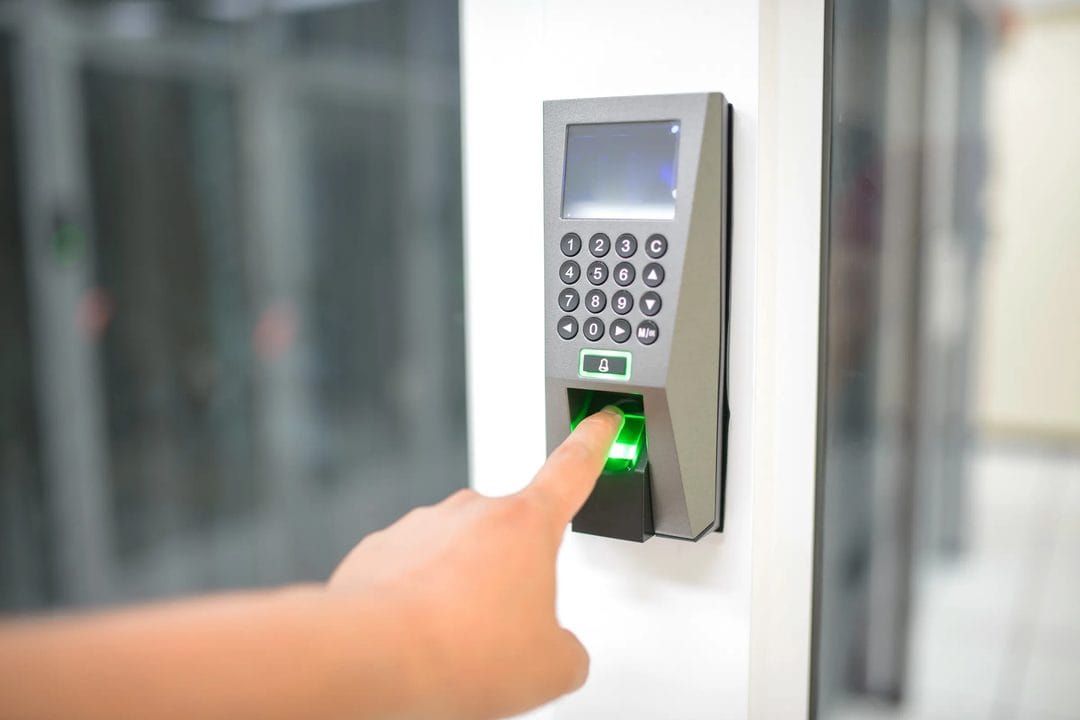
The Login Screen Finally Stopped Asking for a Password
You tap the login button on your banking app, and instead of the usual scramble to remember which password variant you used this time, your phone just asks for your face or your thumbprint. Two seconds later you're in. No password field appeared at all. If that's happened to you sometime this year on Chase, Amazon, or Google, you already used a passkey without necessarily knowing the name for it. Passkeys have quietly moved from a security-conference talking point to something baked into the sign-in flow of hundreds of major services, and by mid-2026 most people encounter one every week without registering it as new technology.
That quiet rollout is worth pausing on, because it's rare for a security upgrade to actually reduce friction instead of adding to it. Two-factor codes made logins slower in exchange for safety. Password managers made logins safer but required you to trust a separate vault app. Passkeys are the first mainstream credential system that is both faster to use and harder to steal — which is exactly why Apple, Google, and Microsoft have spent three years pushing them into every product they ship, from iOS Settings to Windows Hello to the Chrome address bar itself.
What a Passkey Actually Replaces
A passkey isn't a password with extra steps. It's a cryptographic key pair generated on your device — a public half that gets stored on the website's server, and a private half that never leaves your phone, laptop, or hardware key. When you sign in, the site sends a challenge, your device signs it with the private key, and the site checks the signature against the public key it already has. Nothing you type or say gets transmitted, because there's nothing to intercept: the secret that matters was never sent anywhere.
This is the FIDO2/WebAuthn standard, developed by the FIDO Alliance with Google, Microsoft, Amazon, and Apple all sitting on the board, and it's been technically ready since 2019. What changed by 2026 wasn't the cryptography — it was synced passkeys, the feature that lets your private key travel between your phone and laptop through iCloud Keychain, Google Password Manager, or a third-party vault like 1Password or Bitwarden, instead of being stranded on a single device the way early hardware-security-key setups were.
Why This Actually Fixes Something
Phishing works because a password is a shared secret — you know it, and the real site knows it, but so does anything pretending to be the real site if you're tricked into typing it there. A passkey is bound to the exact domain that created it during registration. Land on a lookalike domain, even one that's pixel-perfect, and your device simply won't offer a passkey to sign in with, because the domain doesn't match what was recorded at setup. There's no password to trick you into typing, so there's nothing the fake page can capture. The FIDO Alliance's own 2025 industry data put successful phishing rates for passkey-protected accounts at effectively zero, compared with roughly 1 in 3 employees who click a well-crafted phishing link in enterprise testing.
That single property — un-phishable by design, not by user vigilance — is the whole case for passkeys. It also explains why credential-stuffing attacks, the kind where hackers reuse a password leaked from one breach to break into accounts on unrelated sites, simply don't apply. There's no reused secret to stuff, because each passkey is unique to one account on one domain from the moment it's created.
Where Passkeys Still Fall Short
None of this makes passkeys frictionless in every scenario, and it's worth being honest about the rough edges instead of treating the technology as a finished product.
Cross-platform sync is the biggest one. Apple's iCloud Keychain and Google's Password Manager each sync passkeys beautifully within their own ecosystem, but a passkey created on an iPhone doesn't automatically show up when you sit down at a Windows laptop unless you scan a QR code and complete a Bluetooth handshake between the two devices — a process that works, but that most people find genuinely confusing the first time. Switch primary phones from Android to iPhone, or vice versa, and you may need to manually export or re-register several passkeys rather than have them follow you automatically.
Account recovery is the other open problem, and it's the one security researchers argue about most. If you lose the device holding your only copy of a passkey and you never set up a synced backup, the passkey is gone — there's no "forgot your passkey" email reset the way there is for a password, because the private key was never something the server could reissue. Most major platforms handle this by falling back to account-recovery flows that still lean on a phone number or a secondary email, which quietly reintroduces some of the exact weaknesses passkeys were built to remove. A passkey is only as secure as the recovery method sitting behind it, and right now that recovery method is often the weakest link in the whole chain.
- Some older or niche sites still don't support passkeys at all, so you'll be juggling a mixed system of passkeys and passwords for at least the next couple of years.
- Shared or family accounts (a joint streaming login, a shared work tool) are awkward with passkeys, since the credential is tied to one person's device by default.
- Losing your phone without a secondary passkey device enrolled is the single most common support ticket 1Password and Dashlane report from users adopting passkeys for the first time.
Setting Up Passkeys Without Making a Mess of It
Start with your phone, not your laptop. On iPhone, passkeys live in Settings under Passwords, and they sync automatically through iCloud Keychain as long as two-factor authentication is enabled on your Apple ID — which it should already be. On Android, Google Password Manager handles the same job, syncing through your Google account. Either way, this is the layer everything else builds on, so get it right before touching a single account.
From there, pick your key accounts deliberately instead of converting everything at once. Start with the accounts where a breach would actually hurt: your primary email (because it's the recovery path for almost everything else), your bank, and whichever password manager you already use. Google, Microsoft, Amazon, PayPal, and most major banks in the US now support passkeys directly in account security settings — look for "passkey" or "sign in with your device" rather than "two-factor authentication," which is a separate setting.
If you use a password manager already — 1Password, Bitwarden, and Dashlane all support passkey storage now — set that up next, since it gives you a platform-independent copy that isn't locked to Apple's or Google's ecosystem. This matters more than it sounds like it should: switching phone brands two years from now shouldn't mean starting your login setup from scratch.
- Turn on passkeys in your phone's built-in password manager first.
- Add a passkey to your primary email account, since it's the recovery hub for everything else you own.
- Move your bank and any account holding payment information next.
- Install a cross-platform password manager if you split time between iPhone and Windows, or Android and Mac.
- A backup method — a second enrolled device or a set of printed recovery codes — should stay active on every account until passkey recovery flows mature further.
Is It Worth Doing Right Now, or Waiting?
Don't wait for passkeys to be perfect before you start using them for your most important accounts. The security gain on your email and bank login is large enough today that the remaining sync friction is a fair trade, and setup for a single account takes under two minutes on a modern phone. Skip converting every minor account you own this week, though — a forum login or a loyalty program account doesn't carry enough risk to justify the small hassle of managing recovery for it, and you'll get diminishing returns fast if you try to passkey-ify your entire digital life in one sitting.
The accounts that matter get a real security upgrade today. The rest can wait until support is more consistent across the sites you actually use, and until the industry finishes working out account recovery in a way that doesn't quietly depend on the same phone number a password reset would have used anyway.