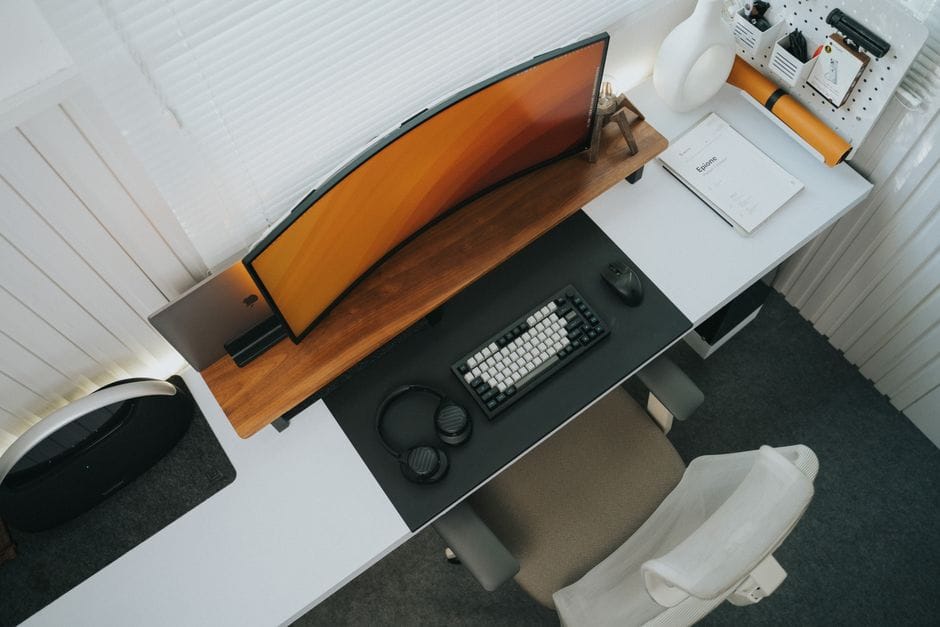
Mechanical keyboards have gone from a niche hobby to something your coworker won't stop talking about. They're praised for feeling better to type on and lasting longer than the cheap membrane keyboards most computers ship with. If you're curious but overwhelmed by the jargon, here's a plain-language place to begin.
What makes a keyboard "mechanical"
A regular keyboard uses a single rubber sheet under all the keys. A mechanical keyboard puts a separate physical switch under every key. That switch is what gives the typing its distinct feel and sound, and it's far more durable than rubber that wears out.
The three switch types, simplified
You'll hear about "switches" constantly. They mostly come in three flavors:
- Linear: Smooth and quiet, with no bump. Popular with gamers.
- Tactile: A noticeable bump when the key registers. A great all-rounder for typing.
- Clicky: A tactile bump plus a loud click. Satisfying, but your housemates may disagree.
Size matters more than you'd think
Keyboards come in different sizes, from full ones with a number pad to compact layouts that ditch keys to save desk space. If you crunch numbers, keep the number pad. If you want room for your mouse, a smaller layout frees up the desk.
You don't need to spend a fortune
Entry-level mechanical keyboards are surprisingly affordable now, and many let you swap switches later without soldering. Start with a tactile switch and a size that fits your desk, and upgrade once you know what you like.
The takeaway
Don't let the hobby's deep end scare you off. Pick a tactile switch, a sensible size, and a budget board to learn your preferences. Most people who switch never go back to a mushy keyboard.